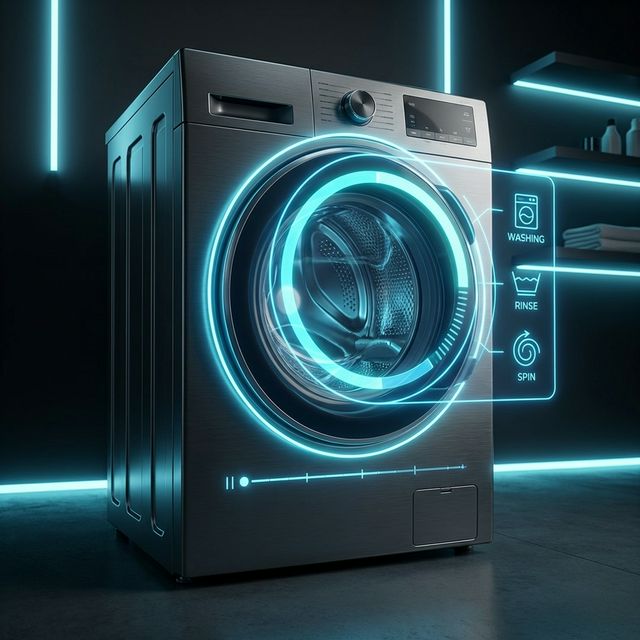
The “Smart” Appliance Paradox
Whether you have a “dumb” old washing machine plugged into a smart plug, or a modern “smart” WiFi-connected appliance, you likely have the same problem: Context.
What do we mean by Context?
When you use a basic smart plug automation (“if power < 5W”), you are operating blindly. You know power is low, but you don’t know why.
- Is it soaking? (Zero power, but not done)
- Is the drum tumbling? (Low power, definitely not done)
- Did it just finish the spin cycle? (High power drop)
Even native smart integrations often fail here, reporting cryptic status codes or inaccurate times. Context means knowing exactly what the machine is doing: Washing, Rinsing, Spinning, Drying, or Finished.

Enter Washdata.
Washdata: The Brains Operation
washdata isn’t just a power threshold trigger. It’s a sophisticated analysis engine for your washing machines, dryers, and dishwashers. The recent major update (v0.4.0) introduced some incredible features that change the game entirely:
1. Shape-Correlation Matching
This is the killer feature. Instead of just looking at raw wattage, washdata looks at the shape of the power curve. It compares the current cycle against known profiles (like “Cotton 40°C” vs “Quick 30”).
It uses mathematical correlation to say, “Hey, this power usage pattern looks 95% like the ‘Eco Mode’ cycle we saw last week,” and then predicts the remaining time based on that specific cycle.
2. Smart Cycle Detection
It divides cycles into phases. It knows that a washing machine heats up water (high consistent power), then agitates (spiky power), then spins (high frequency spikes). This “phase-aware” logic prevents the remaining time from jumping around erratically.
3. Ghost Cycle Suppression & End Spike Protection
Dishwashers are notorious for “finishing,” sitting silent for 20 minutes, and then doing one final pump-out. Old automations would trigger “Done!” too early. washdata has a “suspicious window” logic to wait for these final events, ensuring you don’t open a machine that’s still draining.
Why This Data Matters
Beyond just knowing when to move laundry to the dryer, this rich data opens up powerful opportunities:
1. True Status Tracking
You can finally answer “Is the washer almost done?” without getting up. Knowing if it’s rinsing vs. spinning gives you a much better estimate of remaining time than a simple power reading.
2. Usage Statistics & Comparison
Since washdata tracks cycles, you can start building a history.
- How often do I run the dishwasher?
- Am I doing more laundry this month than last?
- Comparison: Does the “Eco” cycle actually save energy compared to “Quick”? (Spoiler: often yes, because heating water quickly takes massive power).
3. Energy & Cost Optimization
With a clear monthly total of energy consumption per appliance, you can optimize your habits.
- Shift Load: If you have dynamic energy pricing, you can automate alerts to start heavy loads (like the dryer) only during low-cost hours.
- Cost Tracking: Multiply the
washdataenergy sensor by your kWh price to see exactly how much that “Sanitize” cycle costs you in real dollars.
4. Household Harmony (No More Wet Laundry)
Using Home Assistant Group Notifications, you can alert the entire household (or just the people currently at home) when a cycle finishes.
- Forgetfulness: No more wet laundry sitting in the drum for 3 days getting smelly.
- Actionable: The notification can include an action button to “Snooze” or “Mark Unloaded,” keeping the state accurate until someone actually empties the machine.
HA-Animated-cards: The Beauty
So washdata gives you the brains—accurate states (washing, rinsing, spinning, drying) and reliable time estimates. But looking at text sensors is boring.
That’s where HA-Animated-cards comes in.
This collection of custom Lovelace cards brings your dashboard to life. The “Appliances” collection is specifically designed for this use case.
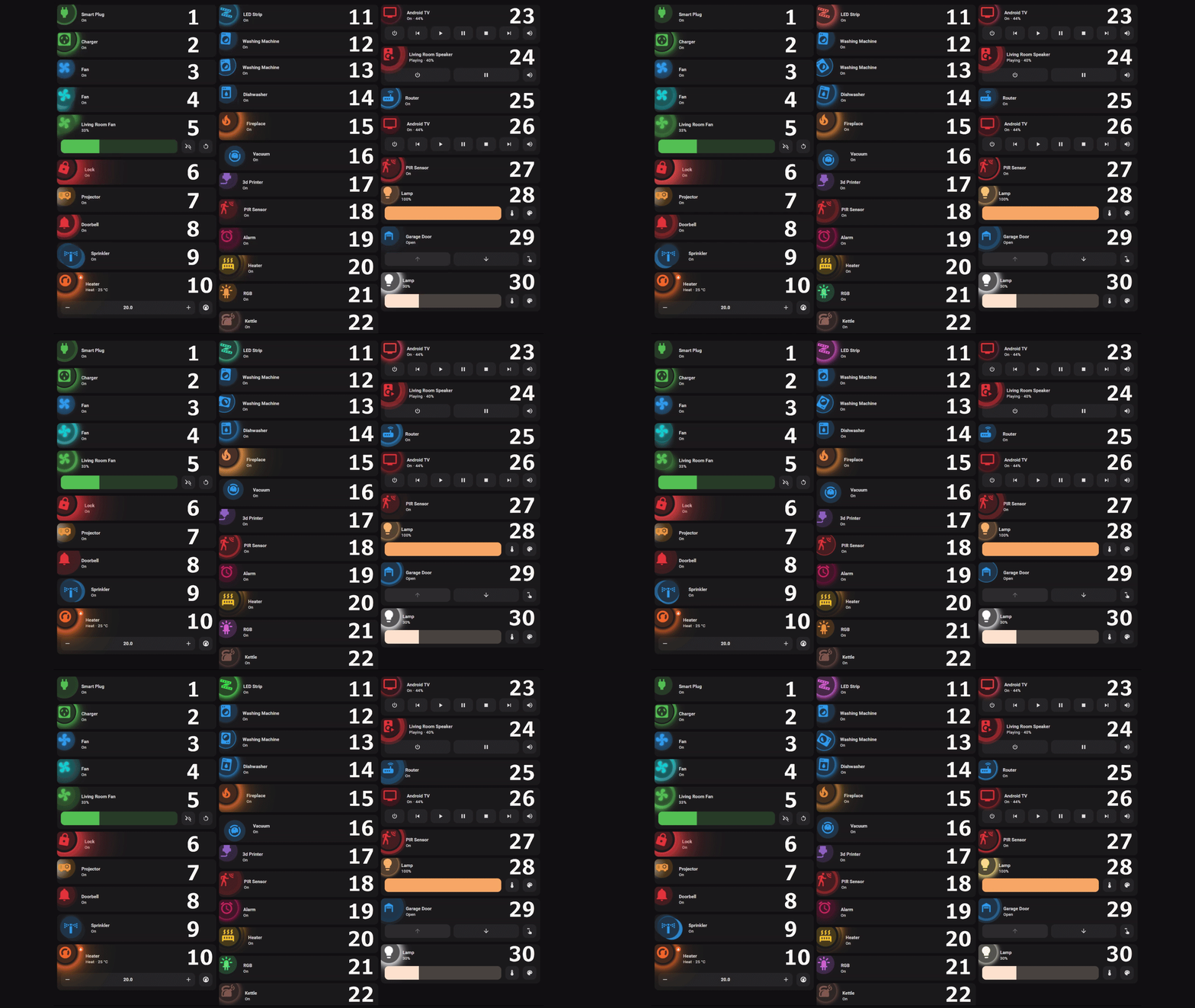 Imagine this card spinning only when your actual machine is spinning.
The Perfect Default Pair
The magic happens when you combine them. You can map the detailed states from washdata directly to the animation states of the card.
- Machine State: Washing -> Card Animation: Tumble
- Machine State: Spinning -> Card Animation: Fast Spin
- Machine State: Finished -> Card Animation: Green Checkmark
This visual feedback is instant and intuitive. You can glance at your wall tablet and know exactly what the laundry is doing without reading a single number.
Getting Started
Step 1: Install Washdata
It’s now a default repository in HACS, so installation is trivial:
- Open HACS > Integrations.
- Search for “Washdata”.
- Install & Restart HA.
- Add the integration via Settings > Devices & Services.
Step 2: “Teach” the System
The new washdata doesn’t come with pre-built profiles because every machine is different.
- Run a laundry cycle (e.g., “Cotton”).
- When it finishes, go to the
washdatadashboard. - “Tag” that completed cycle as “Cotton”.
Next time you run it, washdata will recognize the power signature and say “Detected: Cotton” with a precise finish time.
Step 3: Add the Card
Currently, HA-Animated-cards requires a manual install or adding a custom repository (check their repo for the latest HACS status).
- Download the card resources.
- Add them to your dashboard resources.
- Configure the YAML to use your new
sensor.washing_machine_phasefromwashdata.
Conclusion
The combination of washdata’s brain and HA-Animated-cards’ beauty is a peak Home Assistant experience. It solves a real problem (accurate laundry tracking) and makes it look futuristic.
If you haven’t updated washdata recently, the new v2 engine is worth the upgrade alone. Give it a spin!